Associate
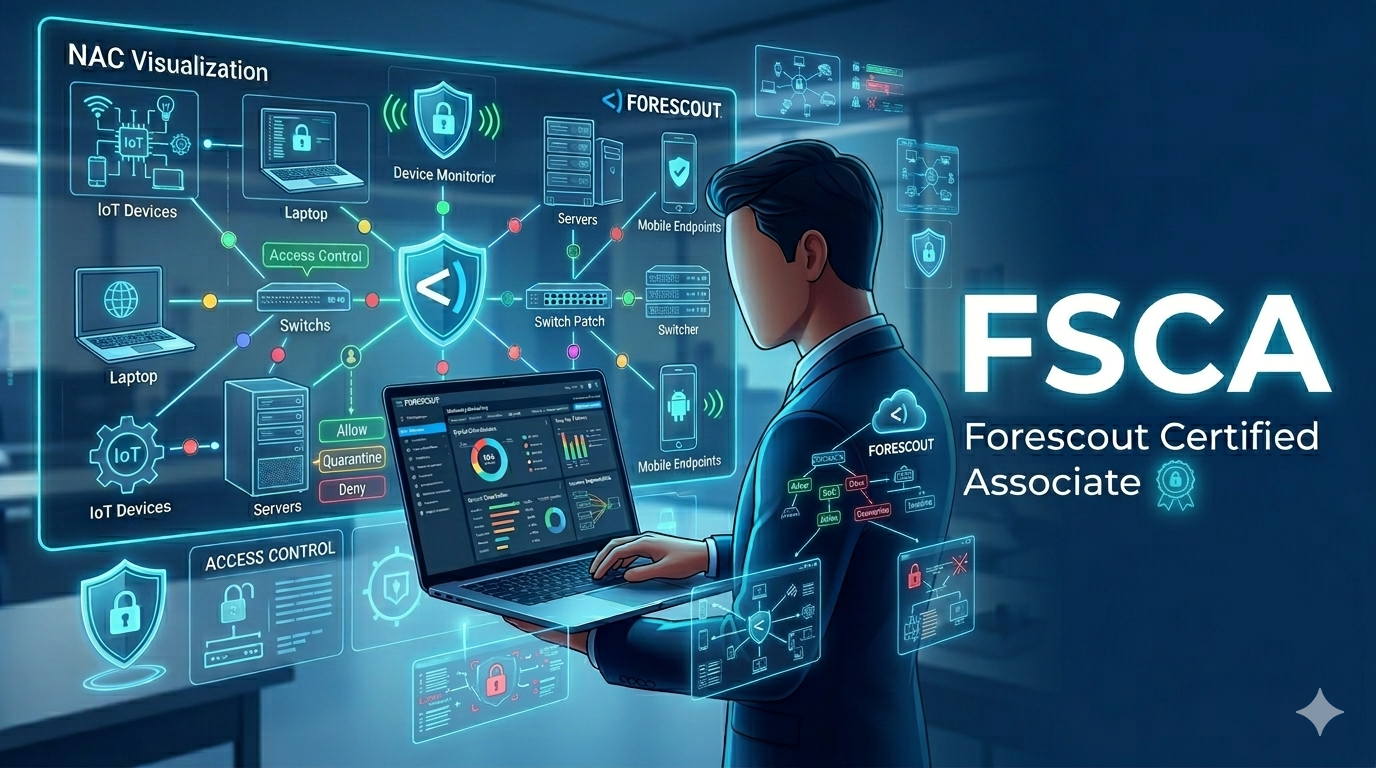
Forescout Certified Associate (FSCA)
Learn to install, configure, and administer the Forescout platform. Establish security policies, classify and control network assets, and master platform administration.
📖 15 Modules
🎓 Certificate of Completion
This course is under development
High-quality content is being crafted. Get notified when enrollment opens.
Notify Me When Available →Syllabus
Course Content
01
Introduction
⏱ ~45 min
A brief overview of Forescout's vision and concepts of network access control
NAC fundamentals and use cases
Platform overview and capabilities
02
Terms & Architecture
⏱ ~1 hour
Commonly used terms: plugin, segment, channel, organizational unit
General networking vocabulary in Forescout context
Platform architecture components
03
Forescout Platform Installation
⏱ ~1.5 hours
Configuring the platform for installation in a practical network environment
Switch connectivity configuration
Active Directory integration and account management
04
Console Overview
⏱ ~45 min
Tour of the eyeManage console
Feature overview and navigation
Dashboard layout and views
05
Platform Configuration
⏱ ~1.5 hours
Configuring the Forescout platform independent from first-time login
Plugins, Channel, Host Property Scanner setup
Switch Observe and configuration options
06
Platform Deployment
⏱ ~1.5 hours
Best practices for a successful deployment
Planning, defining project goals, appliance locations
Layer 2 vs Layer 3 installation, network integration and rollout strategies
07
Policy Overview
⏱ ~1 hour
Foundational overview of how to create policies
How policies function within the eyeManage console
Policy conditions, actions, and evaluation order
08
Classification
⏱ ~1 hour
How to classify cyber security assets in the platform
Device profiling and fingerprinting
OS classification and managed vs unmanaged detection
09
Clarification
⏱ ~1 hour
How to identify management capabilities of hosts
Starting with established classification groups
Agent vs agentless clarification methods
10
Compliance
⏱ ~1.5 hours
Creating policies to establish network and endpoint compliance posture
Compliance checks for a typical corporate environment
Antivirus and patch level verification
11
Control
⏱ ~1.5 hours
Enforcing compliance posture by assigning VLANs and ACLs
Updating asset antivirus and patch levels
Enabling guest registration, ActiveResponse and DNS enforcement
12
Forescout Platform Host Management
⏱ ~1 hour
Configuring Windows, Linux and network endpoints
Performing housekeeping tasks such as backups and appliance updates
Endpoint agent management
13
Forescout Platform Administration
⏱ ~1 hour
Working with platform appliance and Enterprise Manager administration
Console user management
System maintenance and monitoring
14
Inventory, Assets, Reporting, Dashboard
⏱ ~1 hour
Using the inventory and assets portal
Reporting and dashboard configuration
Custom report creation and data export
15
Troubleshooting
⏱ ~1 hour
Common troubleshooting methods in a typical Forescout deployment
Log analysis and diagnostics
Plugin and connectivity troubleshooting
What You'll Learn
Learning Outcomes
🔍
Device Visibility
Discover and classify every device connecting to the network using the Forescout platform.
📋
Policy Management
Create and manage security policies for classification, clarification, compliance, and control.
🛡️
Network Enforcement
Enforce compliance using VLANs, ACLs, guest registration, and DNS enforcement.
🔧
Platform Administration
Install, configure, maintain, and troubleshoot Forescout deployments.
Prerequisites
Before You Start
✅Basic networking knowledge (Network 101 recommended)
🌐Understanding of VLANs, ACLs, and Active Directory
💻Familiarity with enterprise network environments
Lab Environment
What You'll Use
🖥️Forescout virtual appliance (evaluation license)
🪟Windows Server with Active Directory
🔌Virtual network switches (GNS3 or EVE-NG)
🐧Linux endpoints for mixed-OS testing